> ## Documentation Index
> Fetch the complete documentation index at: https://lightdash-mintlify-cccf65ca.mintlify.site/llms.txt
> Use this file to discover all available pages before exploring further.
# Pie chart
> Use pie charts to visualize data that adds up to a meaningful whole.
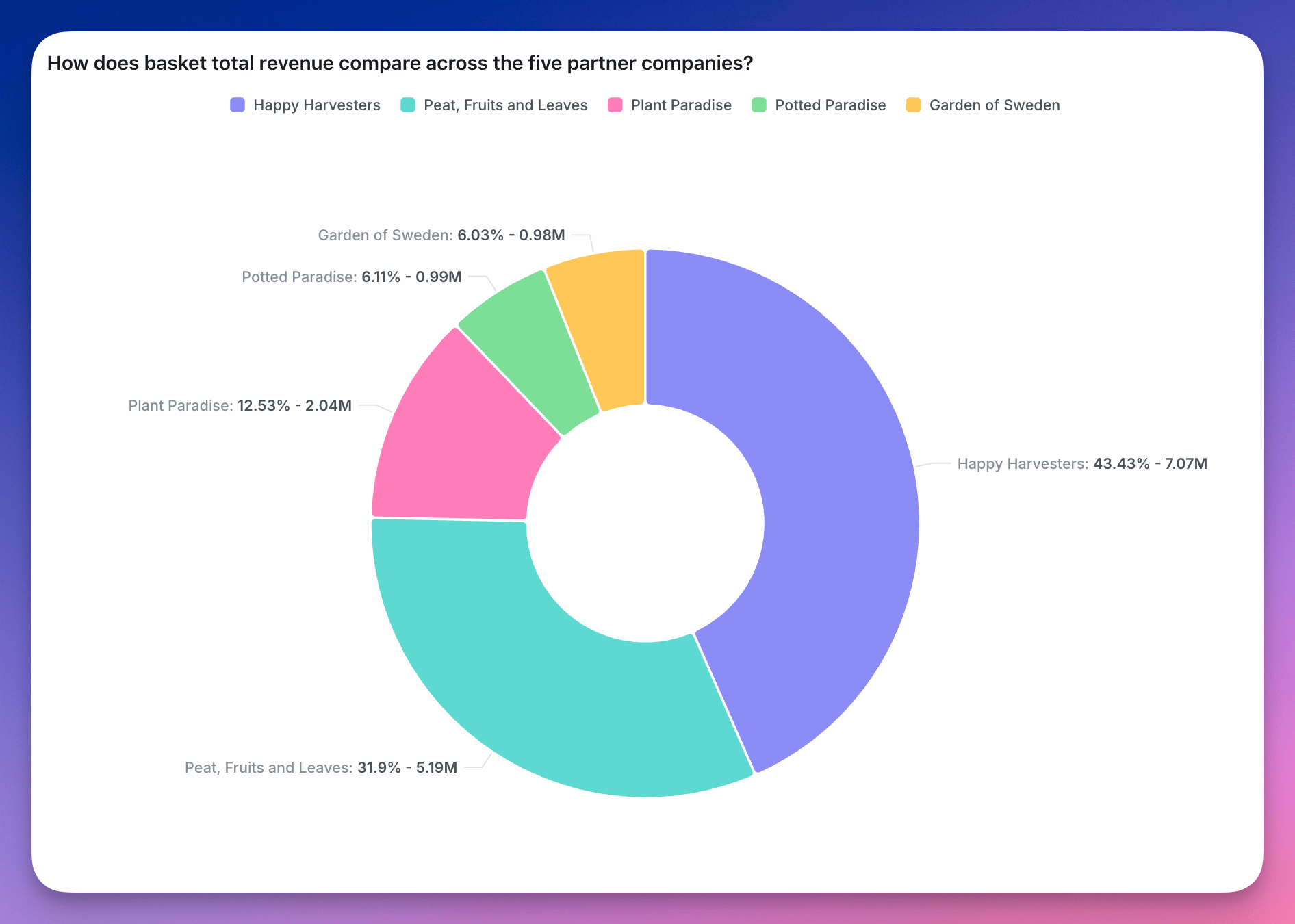 Pie charts can be useful to visualize data that adds up to a meaningful "whole". For example, the split of total revenue across each of our product lines.
To use a pie chart, you need at least one metric and one dimension in your query results. You can add multiple dimensions to create more granular groups in your pie charts.
By default, pie charts are shown in a donut shape (i.e. with the center removed) but you can easily toggle the `donut` toggle to switch between a traditional pie and donut chart.
Pie charts can be useful to visualize data that adds up to a meaningful "whole". For example, the split of total revenue across each of our product lines.
To use a pie chart, you need at least one metric and one dimension in your query results. You can add multiple dimensions to create more granular groups in your pie charts.
By default, pie charts are shown in a donut shape (i.e. with the center removed) but you can easily toggle the `donut` toggle to switch between a traditional pie and donut chart.